LaceUp – Order Processing235
Publisher Description
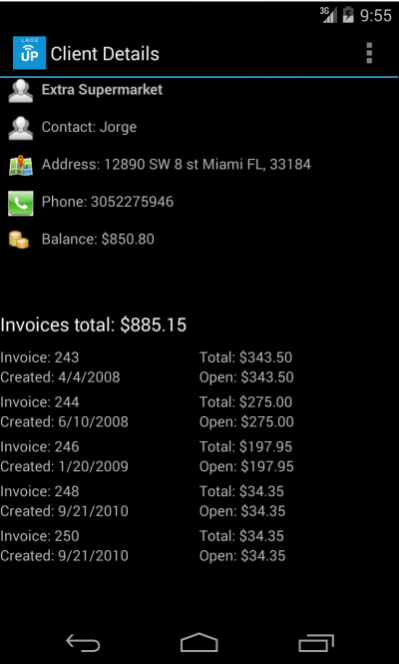
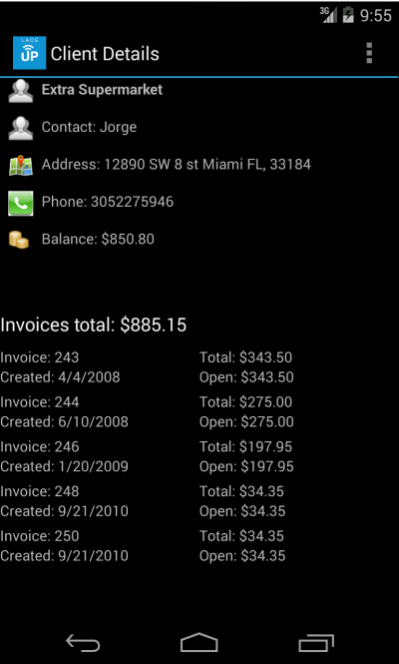
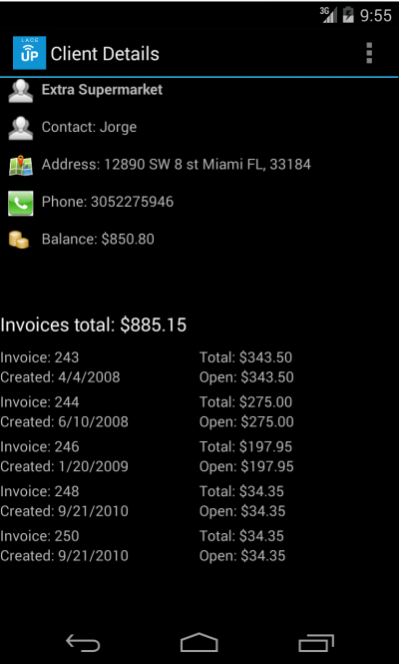
LaceUp is a brand new way to create, print, and export orders directly into your
accounting software. It is specifically designed for distribution companies and
wholesalers of any kind who want to automate or massively improve company
efficiency.
Benefits & Features
Exponentially increased salesman productivity
View recently sold products, quantities & prices per client
View Invoices and overdue balances
Access sales reporting & analytics
Manage multiple warehouse inventories
Send invoices with the push of a button
Eliminate manual data entry
Enhance supply chain efficiency
View Product Pictures & Details
View On-Hand Inventory
Access sales team routes
Send orders from anywhere at anytime
Mobile Printer Integration
View Client Details
Barcode scanner integration
Integration with Quickbooks, Sage, SAP, and others
About LaceUp – Order Processing
The company that develops LaceUp – Order Processing is Laceup Solutions, Inc. The latest version released by its developer is 235.
To install LaceUp – Order Processing on your Android device, just click the green Continue To App button above to start the installation process. The app is listed on our website since 2017-08-18 and was downloaded 1 times. We have already checked if the download link is safe, however for your own protection we recommend that you scan the downloaded app with your antivirus. Your antivirus may detect the LaceUp – Order Processing as malware as malware if the download link to com.laceupsolutions.laceup is broken.
How to install LaceUp – Order Processing on your Android device:
- Click on the Continue To App button on our website. This will redirect you to Google Play.
- Once the LaceUp – Order Processing is shown in the Google Play listing of your Android device, you can start its download and installation. Tap on the Install button located below the search bar and to the right of the app icon.
- A pop-up window with the permissions required by LaceUp – Order Processing will be shown. Click on Accept to continue the process.
- LaceUp – Order Processing will be downloaded onto your device, displaying a progress. Once the download completes, the installation will start and you'll get a notification after the installation is finished.
Program Details
System requirements
Download information
Pricing
Version History
version 235
posted on 2017-08-18
Bug fixes
version 209
posted on 2017-01-12
Fixed a bug if editing a line in an invoice
